If you've spent any time around project management discussions, you've probably noticed that people get weirdly passionate about how they organise their work. Mention that you use a simple task list and someone will inevitably explain, at length, why you absolutely must switch to Kanban. Say you prefer Kanban boards and a purist will inform you that you're overcomplicating things. It's like watching people argue about text editors, except with sticky notes.
The truth is less dramatic than either camp would have you believe. Both approaches work perfectly well for organising tasks, but they're good at different things. One's essentially a visual board that shows work flowing through stages; the other's a written list of things that need doing. Neither is objectively superior, which is disappointing if you were hoping for a definitive answer but probably more useful in practice.
What task lists actually are
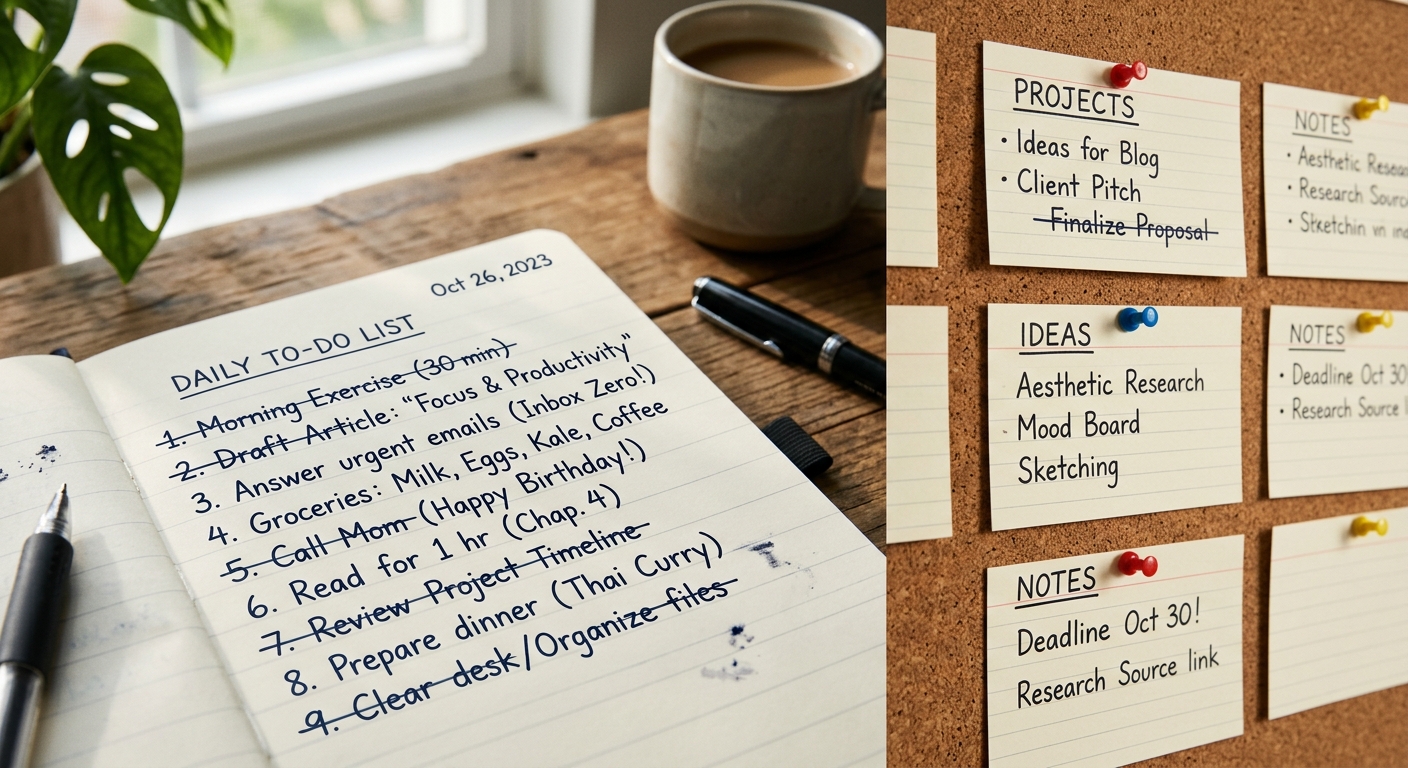
Task lists are straightforward enough that explaining them feels faintly ridiculous. You write down what needs doing, and you work through the list. When something's done, you cross it off or delete it. Sometimes you add new things. Occasionally you rewrite the entire list because the original has become an illegible mess of crossed-out items and marginal notes.
The appeal is obvious: task lists require almost no setup, no special tools, and no learning curve. You can maintain one in a notebook, a text file, the back of an envelope, or any of several thousand apps that have been built around this magnificently simple concept. The cognitive overhead is minimal. You look at the list, pick something, do it.
Task lists work particularly well when you're managing your own work and most tasks are independent of each other. Writing a report, booking a dentist appointment, and replying to that email from three weeks ago don't need to be coordinated with each other. They just need to get done eventually, ideally before they become urgent problems.
The limitations become apparent when you're managing more complex work. Task lists are linear by nature, which means they don't naturally show dependencies, priorities, or what stage things are at. You can bodge this with numbers, bullet points, and annotations, but at some point you're basically inventing a worse version of something that already exists.
How Kanban boards work
Kanban comes from Japanese manufacturing, where it was used to manage inventory and production workflows. The version most people use now is somewhat removed from its Toyota factory origins, but the core concept remains: you visualise work as cards moving across a board divided into columns representing different stages.
The classic setup has three columns: "To Do", "In Progress", and "Done". In practice, people add columns for whatever stages actually exist in their workflow. "Waiting for Review", "Blocked", "Ready to Deploy", "Being Tested"—whatever makes sense for the work you're doing. Each task is a card that moves from left to right as it progresses.
The visual nature is the point. You can see at a glance what's being worked on, what's waiting, and where bottlenecks are forming. If your "In Progress" column is empty but "Waiting for Review" has seventeen cards, you've identified a problem. If someone is juggling six cards simultaneously, that's visible too, which tends to prompt useful conversations about priorities.
Kanban boards are particularly useful when you're managing workflows rather than just tasks. If work moves through distinct stages involving different people or requiring different types of effort, seeing that movement helps you manage the flow rather than just the individual items. It's the difference between tracking parcels and staring at a list of addresses.
The downside is complexity. Setting up a board requires decisions about what columns you need. Maintaining it requires discipline to actually move cards and keep information updated. And if you're mostly working alone on simple, independent tasks, all that structure is overhead that isn't buying you much.
When task lists make more sense
If you're managing your own work and tasks are largely independent, a task list is probably sufficient. There's no point implementing a multi-column board to track "buy milk", "write report", and "call plumber". The additional structure doesn't add clarity; it just adds faff.
Task lists also work well for capturing things quickly. If you're in a meeting and someone mentions something you need to do, adding it to a list takes seconds. Creating a card, choosing the right column, and filling in metadata takes longer and breaks your concentration more thoroughly.
For personal productivity, especially when you're dealing with a mix of work and life tasks, lists tend to be more flexible. You can have separate lists for different contexts, combine them when needed, and reorganise things without feeling like you're fighting against a structure designed for something else.
Simple task lists are also harder to abandon. When your organisational system consists of a text file or a piece of paper, there's no account to let lapse, no app that stops being maintained, no complex setup to recreate if you need to start fresh. This mundane durability matters more than people usually admit.
When Kanban makes more sense
If multiple people are working on interconnected tasks, Kanban boards become substantially more useful than lists. Being able to see what everyone's working on, what's waiting for someone else, and where things are getting stuck provides coordination that a list of tasks simply can't match.
When work has clear stages that require different types of effort, visualising that progression helps manage it. Software development is the obvious example—tasks genuinely do move from design to development to testing to deployment. Seeing which stage each piece of work is at helps you balance the flow and spot problems before they become crises.
Kanban boards are also better when you need to limit work in progress. The visual nature makes it obvious when someone (or you) has too many things on the go simultaneously. With a task list, it's easier to keep adding "current" tasks without noticing that you're effectively working on twelve things badly instead of three things well.
If you're managing a process that repeats with variations—customer requests, support tickets, content production—Kanban's structure helps ensure everything moves through the same workflow. Each item follows the same path, which makes the process more consistent and makes problems more visible.
The actual decision
Neither approach is inherently better, which is unsatisfying but true. Task lists work when simplicity and speed matter more than visualising workflow. Kanban works when you need to manage flow, coordinate work between people, or ensure things move through defined stages.
The real question isn't which is objectively superior but which matches how you actually work. If you're currently using task lists and they're working fine, there's no compelling reason to switch to Kanban just because someone told you it's better. Equally, if you're finding task lists inadequate because you can't see where work is getting stuck, that's probably a sign that you'd benefit from more structure.
You can also use both. Many people maintain a task list for quick, independent items and a Kanban board for more complex, multi-stage work. This isn't cheating or indecisive; it's using appropriate tools for different purposes, which is generally sensible.
The worst option is probably using Kanban when a task list would suffice, purely because you think you should be using something more sophisticated. The second-worst option is struggling with inadequate task lists when you clearly need to visualise workflow, because you think Kanban is unnecessarily complicated. Use what works for what you're actually managing, ignore anyone who gets tribal about it, and change approaches if your needs change. It's honestly that straightforward.
Useful answers
Frequently asked questions
- When should I use a task list instead of Kanban?
- Use a task list when you're managing your own work and most tasks are independent of each other. They're perfect for quick captures and simple items that just need to get done without requiring coordination or tracking through multiple stages.
- What's the main advantage of Kanban over a regular to-do list?
- Kanban lets you see where work is getting stuck and what stage everything is at. If you've got seventeen items waiting for review but nothing in progress, that bottleneck becomes immediately obvious on a board, whereas it's hidden in a list.
- Do I need special software to use Kanban?
- No, you can use physical sticky notes on a wall or whiteboard. The point is visualising work moving through columns, not the tool itself.