If you've ever spent an entire weekend setting up an elaborate productivity system only to abandon it by Wednesday, you're in good company. Most workflows collapse within a fortnight, not because you lack discipline, but because they're fundamentally exhausting to maintain. They require too much thinking, too many decisions, or they assume you work in a way that you simply don't.
The workflows that actually stick around are almost disappointingly simple. They're the boring ones. The ones that take about thirty seconds to maintain and don't require you to watch a three-hour YouTube tutorial to understand them.
Why most workflows fail
The typical productivity system fails for one of three reasons, and sometimes all three at once if you're particularly unlucky.
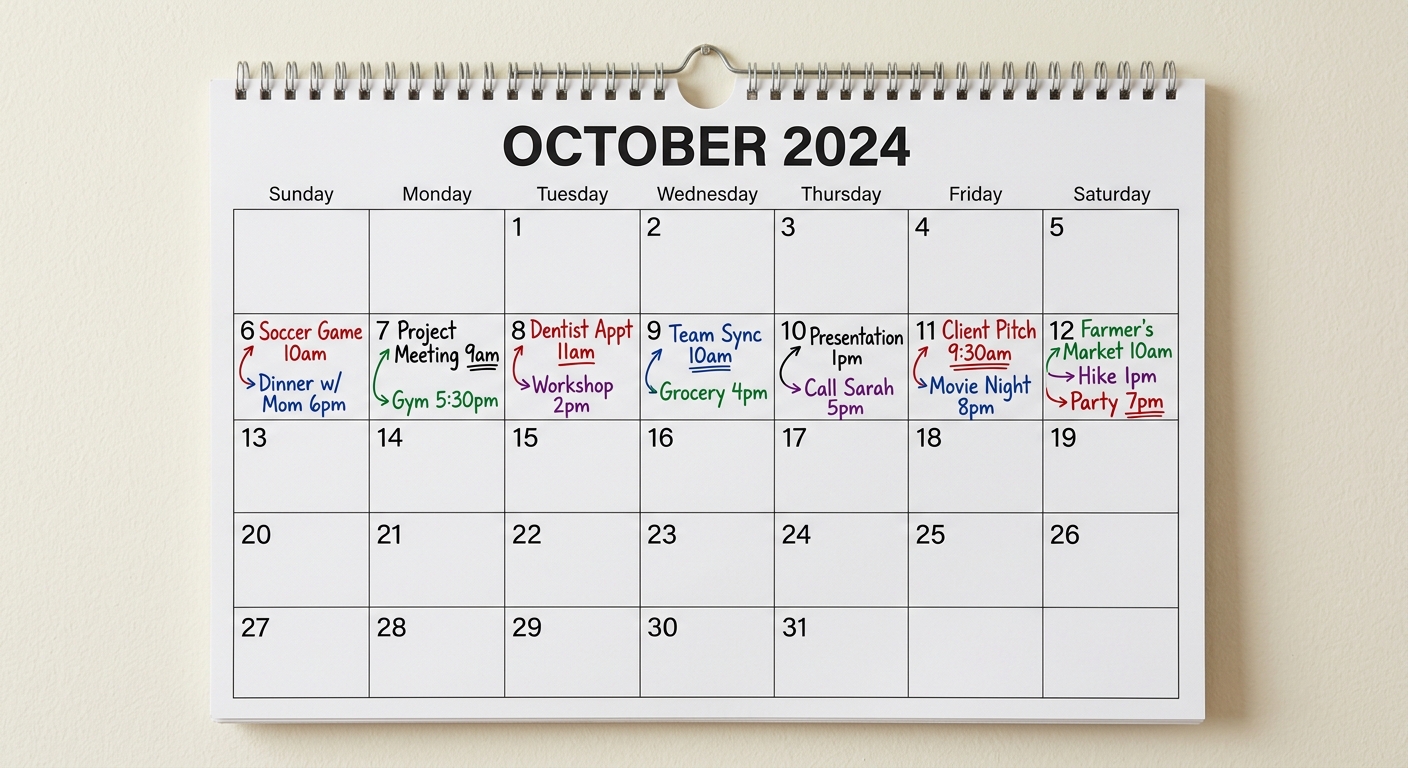
First, there's too much overhead. You spend more time managing the system than actually working. Colour-coding seventeen different categories, maintaining five separate lists, logging your time in fifteen-minute increments—it's all very thorough, but it's also a part-time job in itself.
Second, the system doesn't match how you actually think or work. Perhaps you're not naturally inclined to plan every hour of your day, but you've convinced yourself that proper adults with proper jobs must do this. So you try to force yourself into a rigid schedule, feel like a failure when you inevitably deviate from it, and eventually give up entirely.
Third, the system is too fragile. Miss one day of updating your intricate tracking spreadsheet and the whole thing falls apart. It's like missing one episode of a complicated television drama—suddenly you're lost and it's easier to just stop watching altogether.
What actually works
The workflows that last are built on completely different principles. They're flexible enough to survive your actual life, simple enough that you can pick them back up after a week off, and useful enough that maintaining them feels worthwhile rather than like homework.
Here's the thing nobody tells you: a good workflow should be so straightforward that it feels slightly underwhelming when you first set it up. If you're not a tiny bit disappointed by its simplicity, you've probably overcomplicated it.
Start with what you already do
Rather than importing someone else's entire system, look at what you're already doing that works. Maybe you always check your email first thing, or you already jot notes on whatever scrap of paper is nearby, or you have a specific place where you dump files you need to deal with later.
These existing habits are gold. They're already part of your routine, which means they cost you nothing to maintain. Your job is simply to refine them slightly, not to replace them with something entirely foreign.
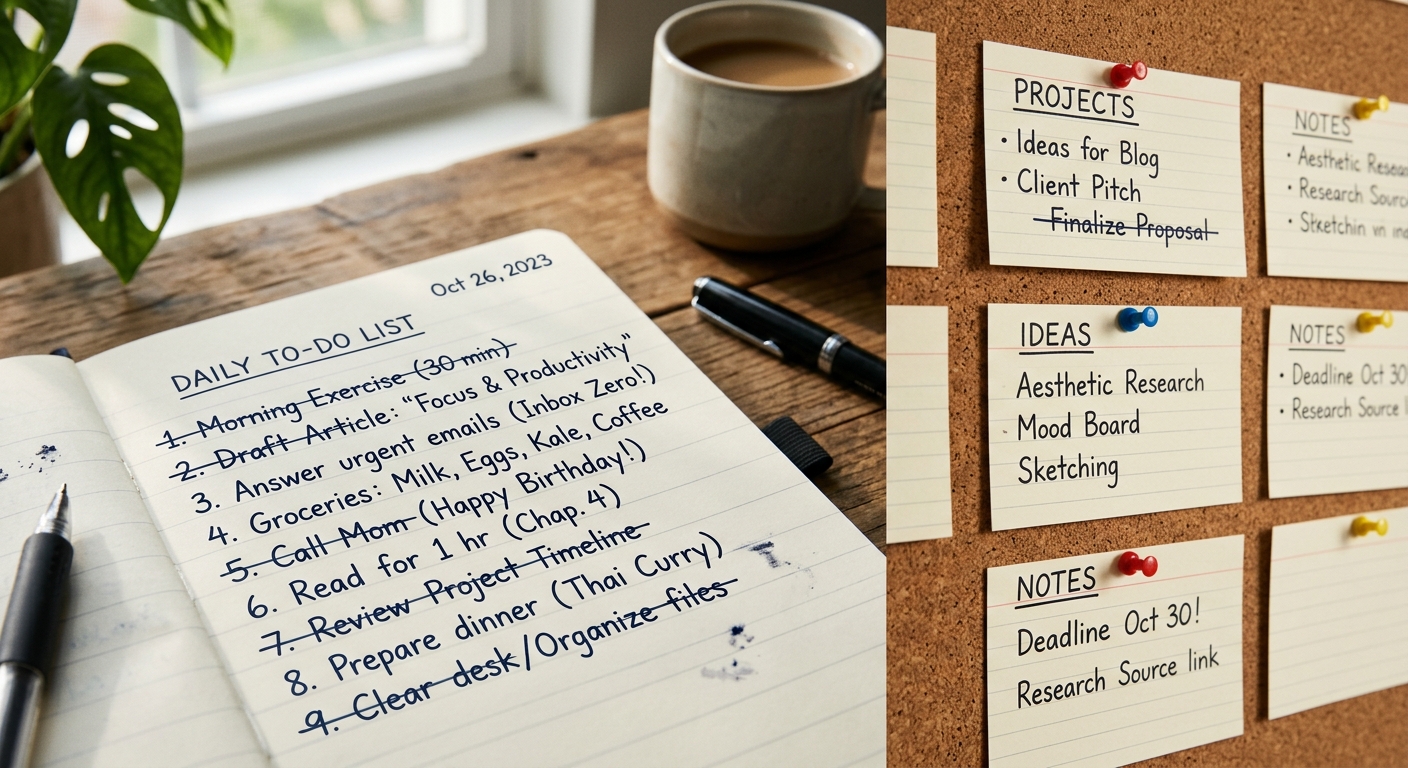
If you naturally think in lists, build a list-based system. If you're more visual, perhaps a simple board with three columns (to do, doing, done) is sufficient. If you prefer keeping everything in your head and only writing down what's urgent, then do that—just add one designated place where those urgent things get written down.
The thirty-second rule
Any daily maintenance your workflow requires should take roughly thirty seconds. This isn't a strict scientific measurement, but if you find yourself spending five minutes updating your system every morning, that's probably four and a half minutes too many.
What can you actually do in thirty seconds? You can glance at a list and add one item. You can move three cards between columns. You can check off what you finished yesterday. You can write down the one thing that absolutely must happen today.
That's about it, and that's exactly the point. The less friction there is in maintaining your system, the more likely you are to actually maintain it.
Build in flexibility
Life will inevitably disrupt your workflow. You'll get ill, or busy, or have a week where everything goes sideways. A system that can't survive this isn't a system—it's a fair-weather friend.
The solution is to make sure your workflow degrades gracefully. If you stop using it for a week, you should be able to start again without guilt, without catching up on a week's worth of administrative nonsense, and without feeling like the whole thing is now broken beyond repair.
This usually means keeping the essential part very small. Perhaps the core of your workflow is just a single list of current projects. Everything else—the notes, the dates, the categories—is optional. Nice to have when things are calm, but not required for the system to function.
One capture point
Among the most useful principles is having exactly one place where things get captured initially. Not three apps and a notebook and some emails marked as unread. Just one.
It doesn't particularly matter what that one place is. A notes app on your phone, a physical notebook, a specific email folder, a text file on your desktop. Pick whichever feels most natural for you to access throughout the day.
Everything goes there first. Ideas, tasks, reminders, things people ask you to do, whatever. You're not organising at this point, just capturing. Then, perhaps once a day or whenever that capture point feels too full, you spend a few minutes sorting through it. Most items will take two seconds to process: do it now, schedule it for later, or delete it.
Make it boring
This sounds counterintuitive, but the more boring your workflow is, the longer it tends to last. Exciting, novel systems are fun to set up, but they rely on your enthusiasm to maintain them. Once that initial excitement wears off—and it always does—you're left with a complicated system and no motivation to use it.
Boring systems, on the other hand, don't rely on enthusiasm. They just sit there, being useful, day after day. They're like a reliable kettle. Nobody gets excited about their kettle, but everyone would miss it if it were gone.
Your workflow should be similarly unremarkable. It should fade into the background of your day, quietly helping you remember what needs doing without demanding attention for itself.
Test it under normal conditions
The real test of a workflow isn't how well it works during a perfectly organised, highly motivated week. It's how well it works during a completely normal, slightly chaotic, moderately tired week.
When you're setting something up, try it for a fortnight under actual working conditions. Not during a quiet period when you have time to fiddle with it, but during regular life with all its usual interruptions and complications.
If the system still feels sustainable after two weeks of normal chaos, you might actually have something that'll last.
Know when to stop optimising
There's always something you could improve about your workflow. Another feature you could add, another level of organisation, another integration between tools. This is a trap.
At some point, your workflow is good enough. It helps you remember what needs doing, it takes minimal time to maintain, and it doesn't make you want to abandon it. That's the goal. You're done.
Continuing to optimise beyond this point usually makes things worse, not better. You add complexity that needs maintaining. You introduce new points of failure. You turn a useful tool into a hobby project.
The moment your workflow starts working reliably is precisely the moment to stop messing with it.
In summary
A workflow that lasts is one that costs you almost nothing to maintain, fits how you naturally work, and survives the inevitable chaos of normal life. It's probably simpler than you think it should be, and that's exactly why it works.
Set it up, use it for a fortnight under normal conditions, and then—assuming it's still functioning—leave it alone. The best productivity system is the one you forget you're using because it's become so seamlessly integrated into your day that it's just how you work now.
Not very exciting, perhaps, but considerably more useful than the elaborate system you abandoned last month.
Useful answers
Frequently asked questions
- Why do I keep abandoning my productivity systems after a few days?
- Most workflows fail because they require too much daily maintenance, don't match how you naturally work, or fall apart completely if you miss even one day. If your system takes more than about thirty seconds a day to maintain or feels like a second job, it's probably too complicated to stick with long-term.
- How simple should a workflow actually be?
- If you're not slightly disappointed by how simple it is when you first set it up, you've probably overcomplicated it. A good workflow should take roughly thirty seconds of daily maintenance—just enough time to glance at a list, add an item, or check off what you finished yesterday.
- How do I know when to stop tweaking my productivity system?
- Stop when it works reliably and takes minimal time to maintain. If your workflow helps you remember what needs doing, survives normal chaos, and doesn't make you want to abandon it, you're done. Continuing to optimize beyond that point usually just adds complexity and new points of failure.