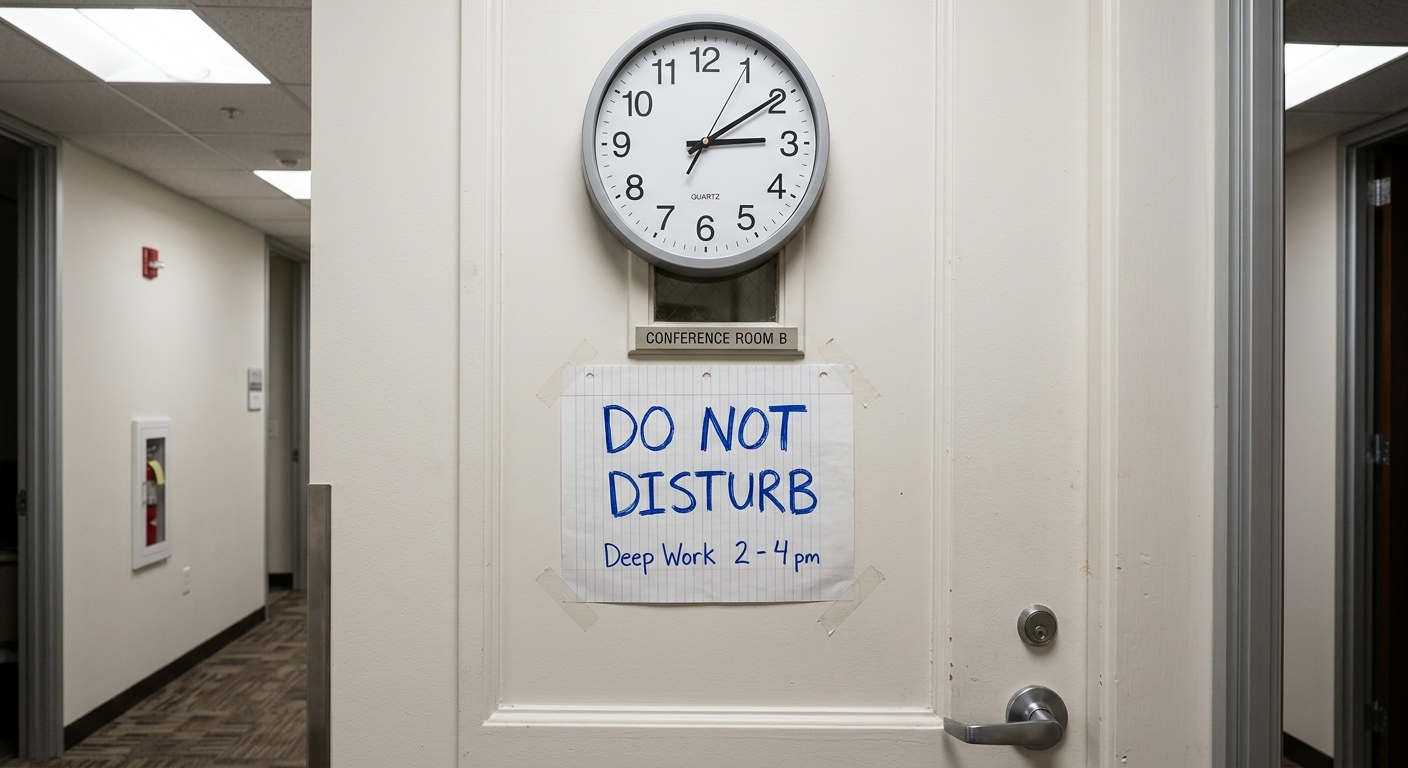
Time blocking is the practice of dividing your day into distinct chunks and assigning each one a specific purpose before it begins. Instead of keeping a to-do list and reacting to whatever seems urgent, you decide in advance when you'll do what. It sounds slightly militant, but it's actually one of the more effective ways to protect time for work that requires concentration whilst still leaving room for the inevitable meetings and interruptions that make up modern working life.
The basic premise is straightforward: you look at your calendar, identify the blocks of time available, and allocate them to specific tasks or types of work. A morning block might be reserved for writing. An afternoon slot for meetings. An hour before lunch for email. Rather than keeping these intentions in your head or on a separate list, you put them directly into your calendar as appointments with yourself.
Why anyone bothers with this
The appeal of time blocking becomes clear once you've spent enough time watching your carefully planned day dissolve into reactive chaos. Without some form of structure, your calendar tends to become a free-for-all where other people's priorities colonise your schedule and your own work gets pushed into whatever gaps remain—usually none.
When you block time in advance, you're making a visible commitment to specific work. It's there in your calendar, which means you're less likely to casually agree to a meeting that would obliterate it. It also means you're less likely to spend three hours mindlessly cycling through browser tabs because you've explicitly decided what you're meant to be doing and when.
There's also something to be said for the reduction in decision fatigue. When you sit down at your desk and already know that the next two hours are for drafting proposals, you skip the whole internal negotiation about what to tackle first. You just start. It's a small thing, but those micro-decisions add up over the course of a day.
How to actually do it
The mechanics are simple enough that you don't need special software, though various apps have been built around the concept. Your existing calendar application works perfectly well.
Start by looking at the week ahead and identifying your fixed commitments—meetings, appointments, things you've already agreed to. These are your anchors. Everything else gets built around them.
Next, list the tasks or projects that need your attention. Be realistic about how long things actually take, not how long you wish they'd take. If you've never written a report in less than three hours, don't allocate ninety minutes and hope for the best.
Now match tasks to available blocks. Put cognitively demanding work in whatever time of day your brain actually functions. If you're useless after lunch, don't schedule deep strategic thinking for 2pm. Save that slot for administrative tasks that don't require full mental capacity.
Create calendar entries for each block. Some people use specific colours to distinguish between different types of work. Others just use descriptive titles. The important bit is that when someone looks at your calendar to book a meeting, they see that your time is already allocated, even if it's allocated to your own work rather than someone else's agenda.
The flexibility question
The main objection to time blocking is that it seems inflexible, which is a reasonable concern if your job involves frequent genuine emergencies or if you're supporting people who need responsive attention. The solution isn't to abandon the approach entirely but to build in appropriate flex.
You can block time for reactive work. A couple of hours marked "admin and email" gives you space to deal with incoming requests without pretending they won't arrive. If nothing urgent materialises, you've got a gift of found time. If everything catches fire, you've got room to respond without derailing your entire day.
You can also move blocks around. The point isn't to create an immovable monument to your original plan but to make conscious decisions about your time. If something genuinely important comes up, you don't pretend it doesn't exist—you look at what you'd previously planned, decide what can shift, and rearrange accordingly. You're still in control of the decision rather than just reacting.
Some people time block in detail for the entire week. Others prefer to plan the next day each evening or the morning of. Neither approach is inherently superior; it depends on how predictable your work is and how far in advance you can reasonably see what needs doing.
Common ways this goes wrong
The most frequent mistake is blocking every single minute of the day with no buffer whatsoever. This creates a fragile house of cards that collapses the moment anything takes longer than expected or someone needs five minutes of your attention. Leave gaps. Things take longer than planned. Conversations happen. The printer jams. Build in slack or spend your days perpetually behind schedule and mildly frantic.
Another pitfall is treating time blocks as aspirational rather than realistic. Blocking four hours for "deep work" sounds lovely, but if you've never actually managed four consecutive hours of focused work in your life, you're setting yourself up for disappointment. Start with what you can actually sustain—even an hour of protected focus is better than none.
Some people also make the mistake of blocking time but not defending it. If you consistently let people book over your blocked time, you've just created a to-do list that happens to live in your calendar. The blocks only work if you treat them as genuine commitments. You don't have to be precious about it, but you do need to occasionally say "I've got something scheduled then, could we do Thursday instead?"
Variations and adaptations
Time blocking comes in different flavours depending on who's evangelising it. Some people use theme days, where entire days are devoted to specific types of work—Monday for meetings, Tuesday for creative work, and so on. This can work well if you have that level of control over your schedule, though it's unrealistic for many people.
Others use time boxing, which is similar but with an emphasis on strict time limits. You allocate an hour to a task and stop when the hour ends, regardless of whether you've finished. This can be useful for work that tends to expand infinitely or for recovering perfectionists who need permission to move on.
There's also task batching, where you group similar activities together—returning all phone calls in one block, processing expenses in another, writing all your emails in a dedicated slot rather than trickling them throughout the day. This reduces the cognitive cost of switching between different types of work.
Whether it's worth the hassle
Time blocking requires a small amount of overhead—the planning, the calendar management, the occasional shuffling of blocks when reality intervenes. Whether this overhead is worth it depends largely on how much you value having control over your time and whether you currently feel like you're spending your days on what actually matters.
If your work is genuinely reactive and needs to be, or if you're already happy with how your time is allocated, there's no particular reason to add this layer of structure. But if you perpetually feel like you never have time for important non-urgent work, or if your calendar is a chaotic mess of other people's meetings with your own work squeezed into the gaps, it's worth trying for a few weeks to see whether it helps.
The worst case scenario is that you spend a fortnight planning your days slightly more deliberately and decide it's not for you. The best case is that you finally carve out consistent time for work that matters and stop feeling like your schedule is something that happens to you rather than something you control. Given those odds, it's probably worth finding out which camp you fall into.
Useful answers
Frequently asked questions
- Do I need special software or an app for time blocking?
- No, your existing calendar application works perfectly well. While various apps have been built around time blocking, you don't need anything special—just use whatever calendar you already have.
- Should I plan my time blocks for the whole week or just day by day?
- It depends on how predictable your work is. Some people block the entire week in advance, while others prefer planning the next day each evening or morning—neither approach is inherently better.
- What if people keep booking meetings over my blocked time?
- You need to treat your blocks as genuine commitments and occasionally defend them. If you consistently let people book over your blocked time, it's just a fancy to-do list—you have to be willing to say 'I've got something scheduled then, could we do another time?'